
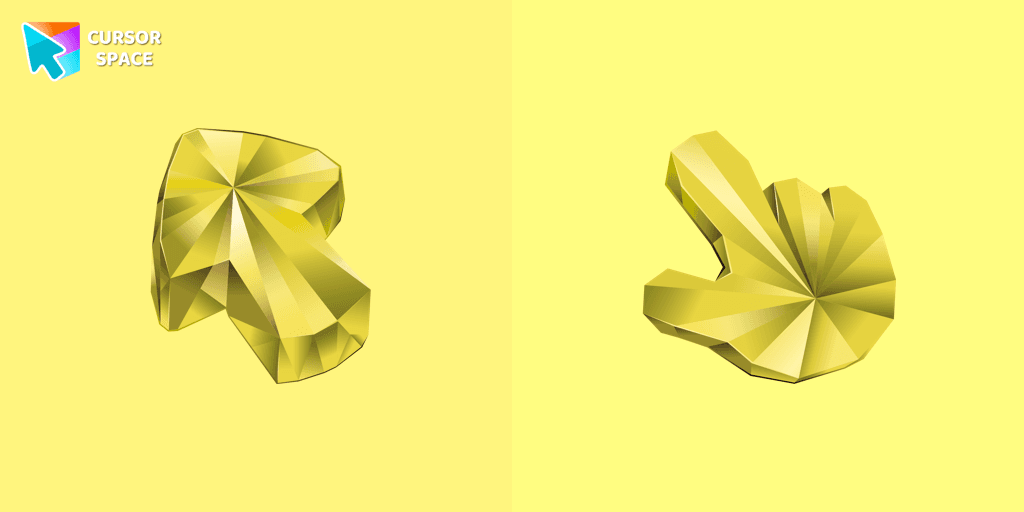
Yellow Sapphire Texture cursor
170Free
Enhance your browsing with a custom cursor for Google Chrome featuring the timeless elegance of yellow sapphire. Add sophistication and style to your screen today.
Share Bear, with her bright turquoise fur and signature lollipop Belly Badge, represents the heartwarming spirit of generosity and kindness. As one of the most beloved Care Bears, she encourages friendship, sharing, and spreading happiness to everyone around her. Now, with the Share Bear cursor, you can bring this delightful energy to your browsing experience!
This cute and colorful cursor is a must-have for fans of the Care Bears and those who love adding a touch of nostalgia to their screens. Whether you're working, studying, or simply browsing the web, the animated cursor featuring Share Bear will add a playful and magical touch to your daily activities. Designed in a fun, fantasy-inspired style, this character cursor perfectly captures the charm of the original 80s cartoon.
Perfect for lovers of rainbows, hearts, stars, and all things cute, this browser cursor is part of a larger Care Bears cursor collection featuring beloved characters like Cheer Bear, Grumpy Bear, Funshine Bear, Love-a-Lot Bear, and more! You can mix and match your cursors to fit your mood and keep your browsing experience fun and engaging.
Installing the Share Bear custom cursor for Google Chrome is easy and brings a fresh, whimsical aesthetic to your online world. Every time you move your mouse pointer, you’ll be reminded of the simple joy of sharing and spreading kindness.
Let Share Bear brighten your screen with her cheerful presence and make your digital world a little more magical. Download the Share Bear cursor now and share the love!
Install the Cursor Space extension for Chrome or Cursor Space for Edge in your browser.
On this page, click "Add this cursor pack to the extension".
Open the extension and go to the Packs tab.
Find the custom cursor pack "Share Bear cursor" and click it.
Enjoy!
Get this cursor pack and thousands of others by installing our extension. It's fast and free!
Share Bear Cursor is a themed cursor pack you can add to your browser to personalize your pointer across common cursor states (default and pointer). Use it for everyday browsing, streaming, studying, or gaming-anywhere you want your cursor to match your vibe.
See how the cursors look before installing.
Add the pack to the extension in a few clicks.
Designed for Chrome and Edge via the extension.
Quick answers to common questions about cursor packs, collections, and installation.
Yes. To apply cursor packs in Chrome or Edge, install the Cursor Space extension and add this pack to it.
Cursor packs are designed for Chromium browsers like Chrome and Microsoft Edge.
Open the extension, choose another pack or disable the current one to return to your default cursor.
Custom cursor and packs - neon, anime, pixel art. Quickly add to Chrome and Microsoft Edge for free
Enhance your browsing with a custom cursor for Google Chrome featuring the timeless elegance of yellow sapphire. Add sophistication and style to your screen today.
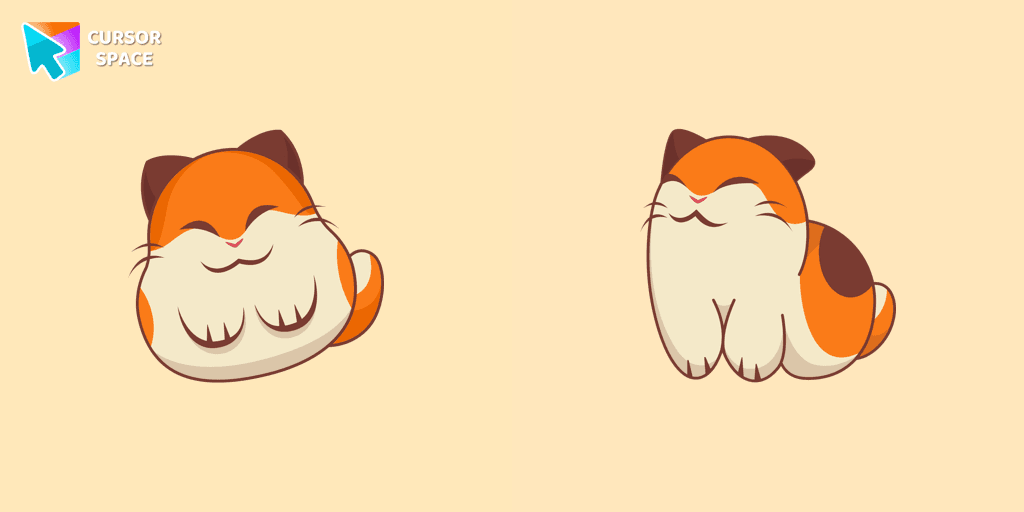
Nago, one of Kirby's animal friends, is a round and plump Japanese Bobtail. Originally designed for the game,
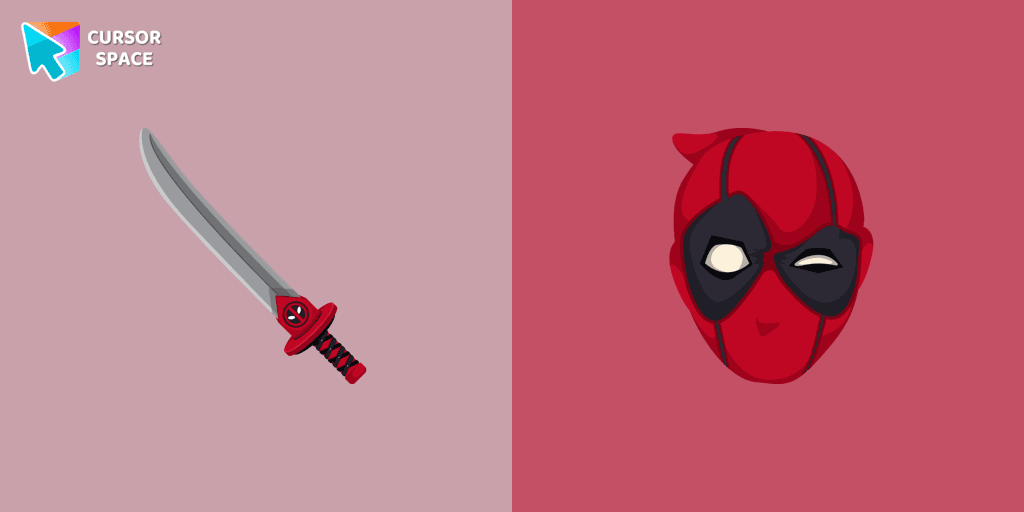
Transform your browsing with Deadpool's custom cursor for Google Chrome. This unique, cute mouse and pointer cursor adds style and fun to your screen.
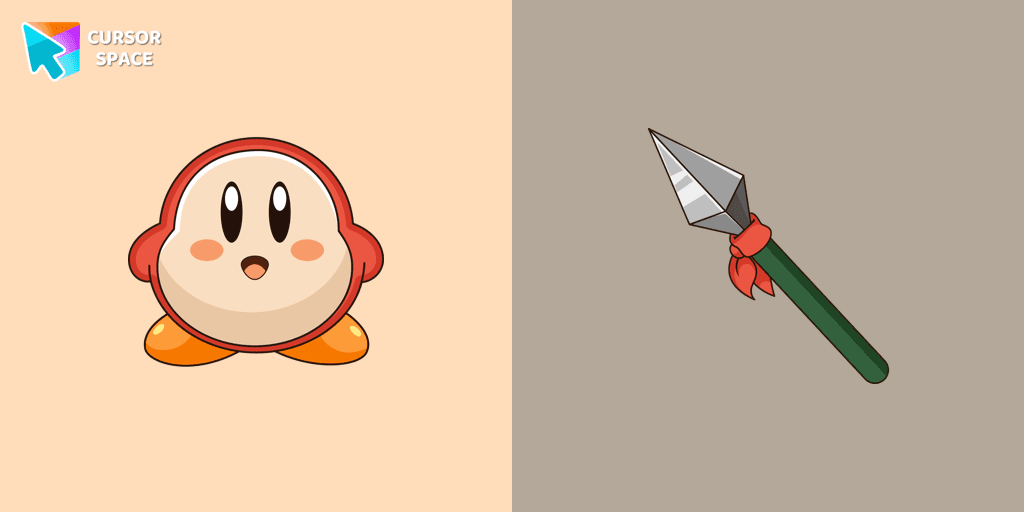
Introducing the Waddle Dee custom cursor from our Games collection of cute cursors.
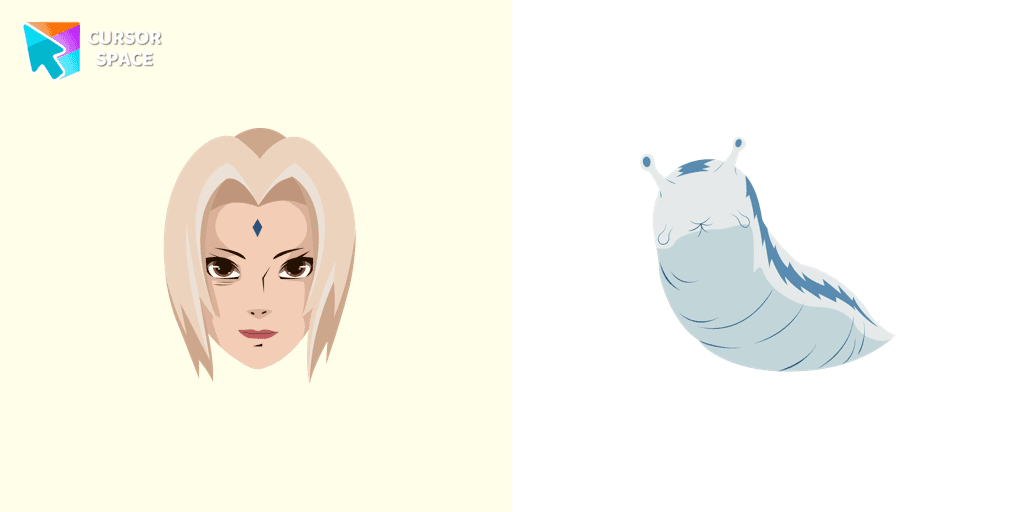
Well-designed Tsunade cursor for mouse will be loved by Naruto fans. There is a custom cursor with Katsui and Tsunade as a hover in a set of Naruto cursors for Chrome.

Transform your screen with custom cursors. Choose the Heart Pendant design for a touch of elegance and functionality.

Unleash the fear with The Ghost custom cursor for Chrome. Add a spine-chilling touch to your screen and conquer your Samhainphobia!
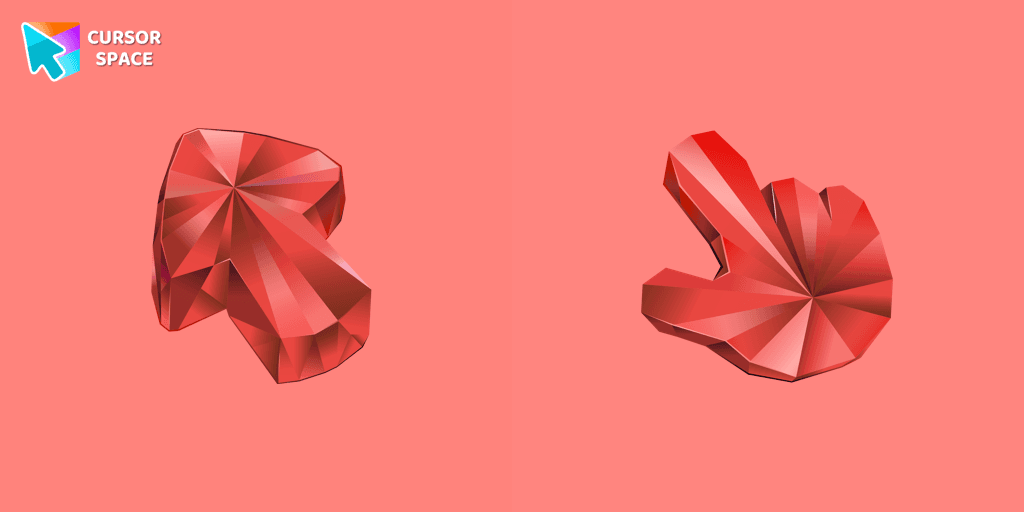
Enhance your browsing with the Ruby Stone Texture custom cursor. This stylish custom cursor for Google Chrome adds a touch of luxury and elegance to your screen.
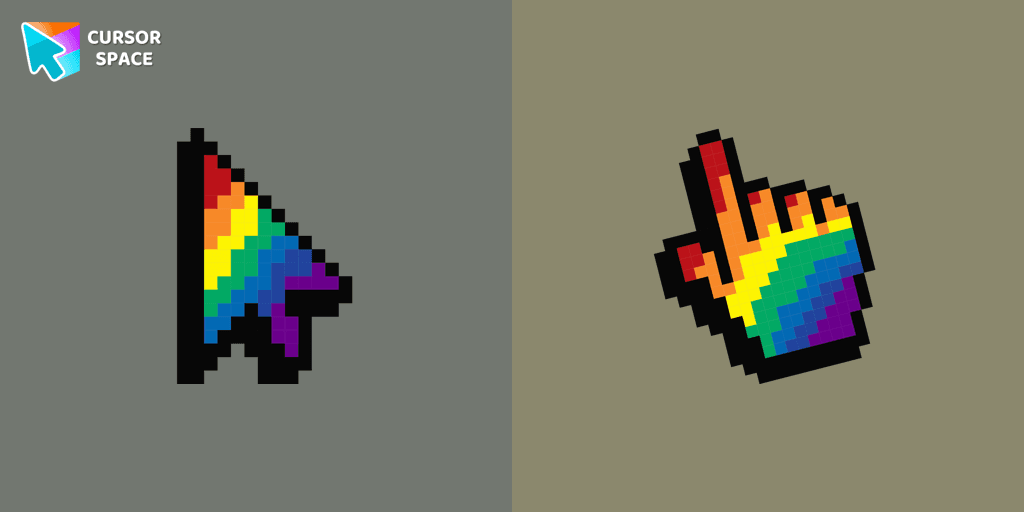
Pointer Neon Cursor is a customizable cursor option for those who want to add some color to their computer interface.
Pac-Man custom cursor from our Cute Pixel cursors collection for mouse and pointer.
Installation leaders from "Care Bears": free packs, neon/anime/pixel art, quick add to Chrome and Edge.
The Love-a-lot Bear custom cursor from our custom cursors collection for Chrome.
Featuring the iconic Care Bears character, this cursor adds a touch of charm and nostalgia to your screen.
Smart Heart Bear custom cursor for the mouse is a pretty character in a Care Bears cursor collection for Chrome.
The True Heart Bear custom cursor brings charm and nostalgia to your browsing. Enjoy this adorable custom cursor for Google Chrome featuring the iconic Care Bears character.
Stay Connected with the Always There Bear Cursor - A Trustworthy Companion

Grumpy Bear cursor for mouse and pointer in a terrific custom cursors collection for Chrome with Care Bears.
A fun Harmony Bear as a custom cursor for mouse and pointer with which we can spend many hours of fun.
Care Bears for Chrome cursor set has a custom cursor Good Luck Bear as a pointing device.

Bedtime Bear custom cursor for the mouse is a pretty bear in a Care Bears cursor collection for Chrome.
Add packs instantly and unlock access to thousands of cursors: neon, anime, pixel-art, and more. Fast, safe, and free.
Cursor Space is an extension for changing your mouse cursor in Chrome and Edge browsers: themed collections, HiDPI icons, neon, animated, and pixel cursors, with quick installation.